

As video quality continues to improve, users expect their media players to keep up with modern formats and resolutions. Whether you're watching movies, TV shows, personal recordings, or downloaded content, having a reliable video player is essential. Unfortunately, many default media players struggle with formats like MKV or high-resolution 4K videos.
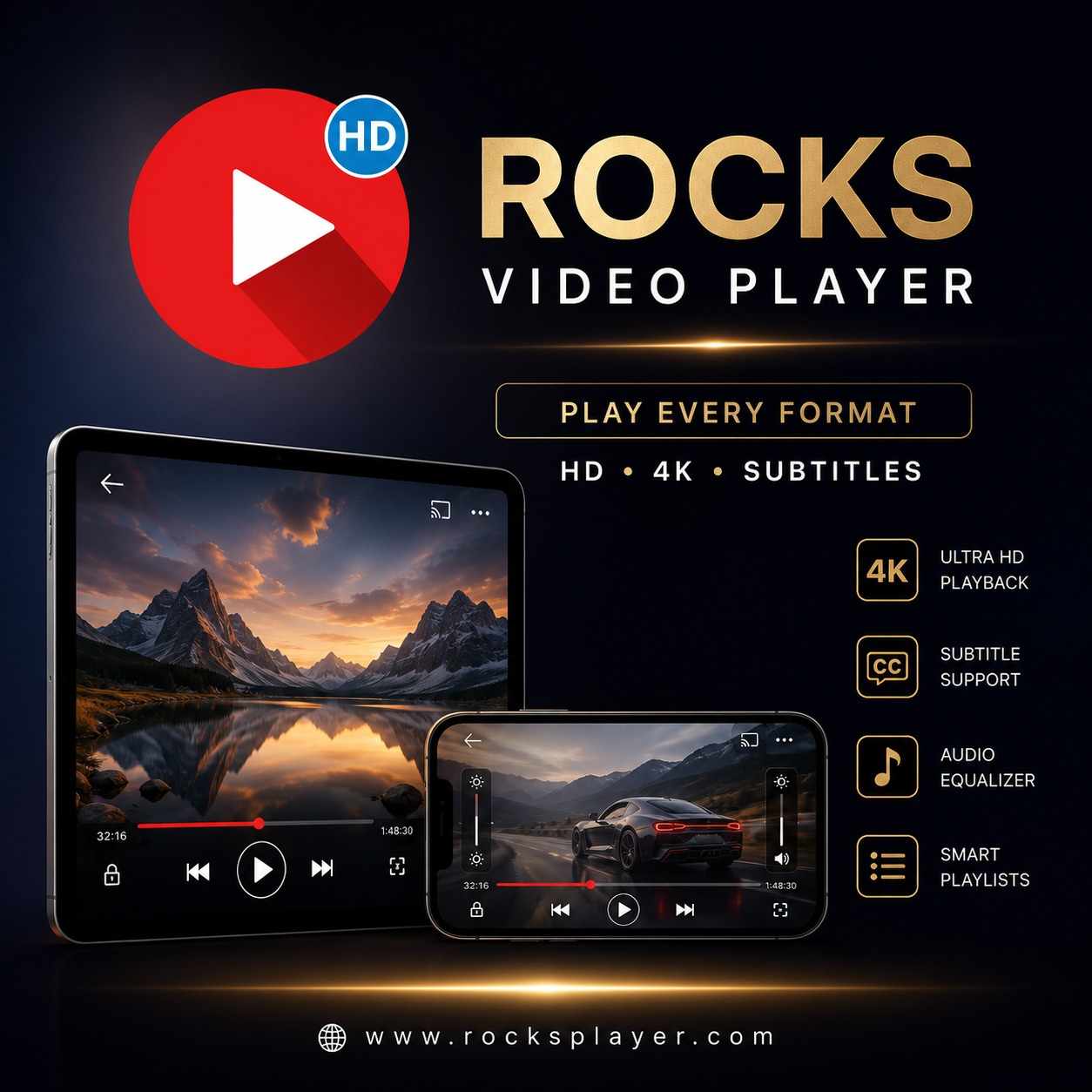
That's where Rocks Video Player – HD & MKV comes in. Designed specifically for iPhone and iPad users, this powerful app offers seamless playback for a wide range of video formats, including MKV, MP4, AVI, MOV, and 4K Ultra HD content.
Enjoy True All-Format Video Playback
One of the most frustrating issues for mobile users is discovering that a video won't play because of format limitations. Rocks Video Player eliminates that problem with extensive format compatibility.
The app supports:
MKV
MP4
MOV
AVI
FLV
WMV
TS
M4V
3GP
It also supports popular audio formats, making it a complete multimedia solution for iOS users.
Instead of converting files or downloading multiple apps, you can play nearly any video directly from your iPhone or iPad.
Stunning HD, Full HD & 4K Video Quality
Modern iPhones and iPads feature high-resolution Retina displays capable of displaying incredible detail. Rocks Video Player takes full advantage of these displays by supporting:
HD Playback
Enjoy crisp and smooth video performance for everyday viewing.
Full HD Playback
Watch movies and videos with enhanced clarity and sharper visuals.
4K Ultra HD Support
Experience breathtaking detail and lifelike quality with 4K video playback.
HDR Compatibility
Enjoy improved contrast, deeper blacks, and richer colors for a more immersive viewing experience.
Whether you're watching a blockbuster movie or a personal video, the playback remains smooth and visually impressive.
Advanced Subtitle Support
Subtitles have become an essential feature for viewers worldwide. Whether you're watching foreign-language content, educational videos, or movies in noisy environments, subtitles improve accessibility and comprehension.
Rocks Video Player provides:
Easy subtitle importing
Adjustable subtitle size
Custom subtitle colors
Better readability controls
Smooth subtitle synchronization
These customization options help create a more comfortable viewing experience tailored to your preferences.
Smart Gesture Controls
The app includes intuitive gesture controls that make navigation simple and convenient.
Pinch-to-Zoom
Zoom in or out effortlessly for a better viewing angle.
Brightness Control
Adjust screen brightness with simple gestures.
Volume Control
Modify audio levels quickly while watching.
Playback Speed Adjustment
Choose playback speeds from 0.5x to 2x for learning, entertainment, or productivity.
Screen Rotation & Flip Controls
Optimize viewing for different video orientations.
These controls help users stay focused on their content without constantly accessing menus.
Built-In Audio Equalizer
Rocks Video Player isn't just for videos—it also functions as a capable music player.
The integrated equalizer includes presets such as:
Rock
Jazz
Classical
Pop
Dance
Users can customize audio output for different genres and listening preferences, enhancing the overall entertainment experience.
Video Trimming & Compression Tools
Unlike many traditional video players, Rocks Video Player includes useful media editing tools.
Trim Videos
Quickly remove unwanted sections from recordings and clips.
Compress Videos
Reduce file sizes while preserving quality, helping save valuable device storage.
These tools make managing large video collections significantly easier.
Organize Media with Smart Playlists
Managing a growing media library can become challenging. Rocks Video Player simplifies organization with:
Custom playlists
Playlist editing
Shuffle functionality
Smart media organization
Easy file browsing
Whether you're organizing movies, TV shows, tutorials, or music videos, everything stays accessible and well-structured.
Why iPhone & iPad Users Love Rocks Video Player
Rocks Video Player combines powerful playback technology with practical everyday features.
Key Benefits
ü Play MKV, MP4, AVI, MOV, and more
ü Smooth HD, Full HD & 4K playback
ü HDR video support
ü Advanced subtitle customization
ü Audio equalizer with multiple presets
ü Built-in video trimmer and compressor
ü Smart playlist management
ü Easy-to-use interface optimized for iOS
ü Compatible with both iPhone and iPad
The Complete Media Experience for iOS
Many apps focus only on video playback. Rocks Video Player goes further by combining:
Video playback
Audio playback
Subtitle support
Media organization
Video editing tools
Playlist management
This all-in-one approach makes it a valuable app for anyone who regularly watches videos or listens to music on their iPhone or iPad.
Final Thoughts
If you're looking for a reliable HD, 4K, and MKV video player for iPhone and iPad, Rocks Video Player – HD & MKV is an excellent choice. With support for virtually every major format, advanced subtitle controls, audio enhancement features, playlist creation, and built-in editing tools, it delivers a complete media experience in one app.
Whether you're watching movies, managing your media library, or enjoying high-resolution content on the go, Rocks Video Player provides the performance and flexibility modern iOS users need.
Read more:https://apps.apple.com/us/app/rocks-video-player-hd-mkv/id6479863307

Write a comment ...